Please ensure that the email address you use is the same as that registered with the College as the student’s Next of Kin.
Add the student’s details and click ‘submit request’.
Once the details you provide have been checked and verified by an administrator, you will receive an email confirming access to the Parent Portal has been granted.
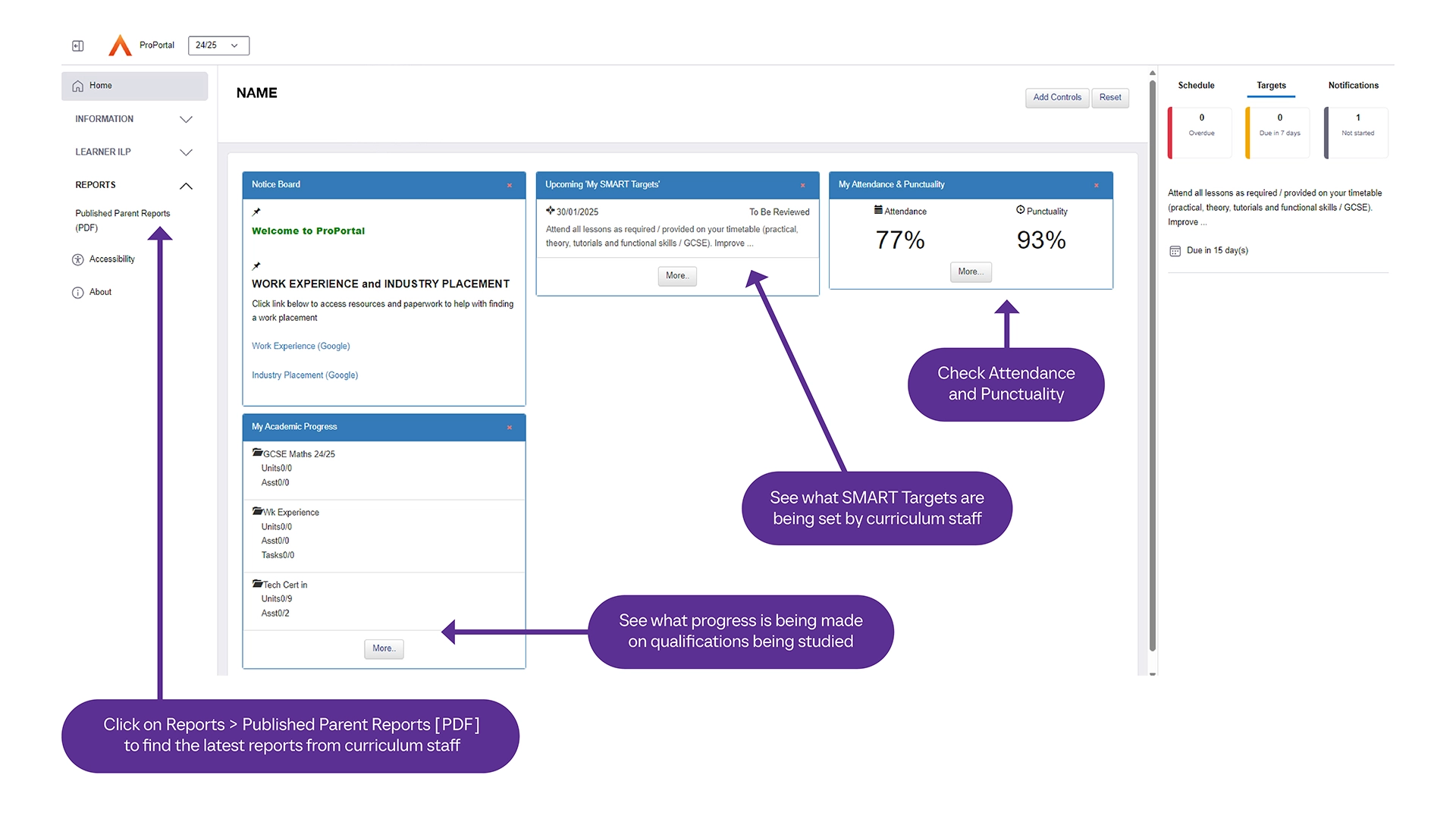
When you login, you can view attendance, progress and targets.